Quick Start
Install RedactorBuddy, upload your first document, and download a clean redacted output — in under 5 minutes.
Before you begin
RedactorBuddy runs entirely on your machine. No account, no cloud connection, and no internet required after the initial download. Your files never leave your device.
Requirements: Windows 10 or 11 (64-bit). At least 4 GB RAM. Python 3.10+ is bundled — you don't need to install it separately.
Download and launch
Download the installer from the Downloads page. Run RedactorBuddy-setup.exe and follow the prompts. Once installed, open RedactorBuddy from your Start menu or desktop shortcut.
The app opens in your default browser as a local web interface — this is normal. All processing happens locally; the browser is just the UI layer.
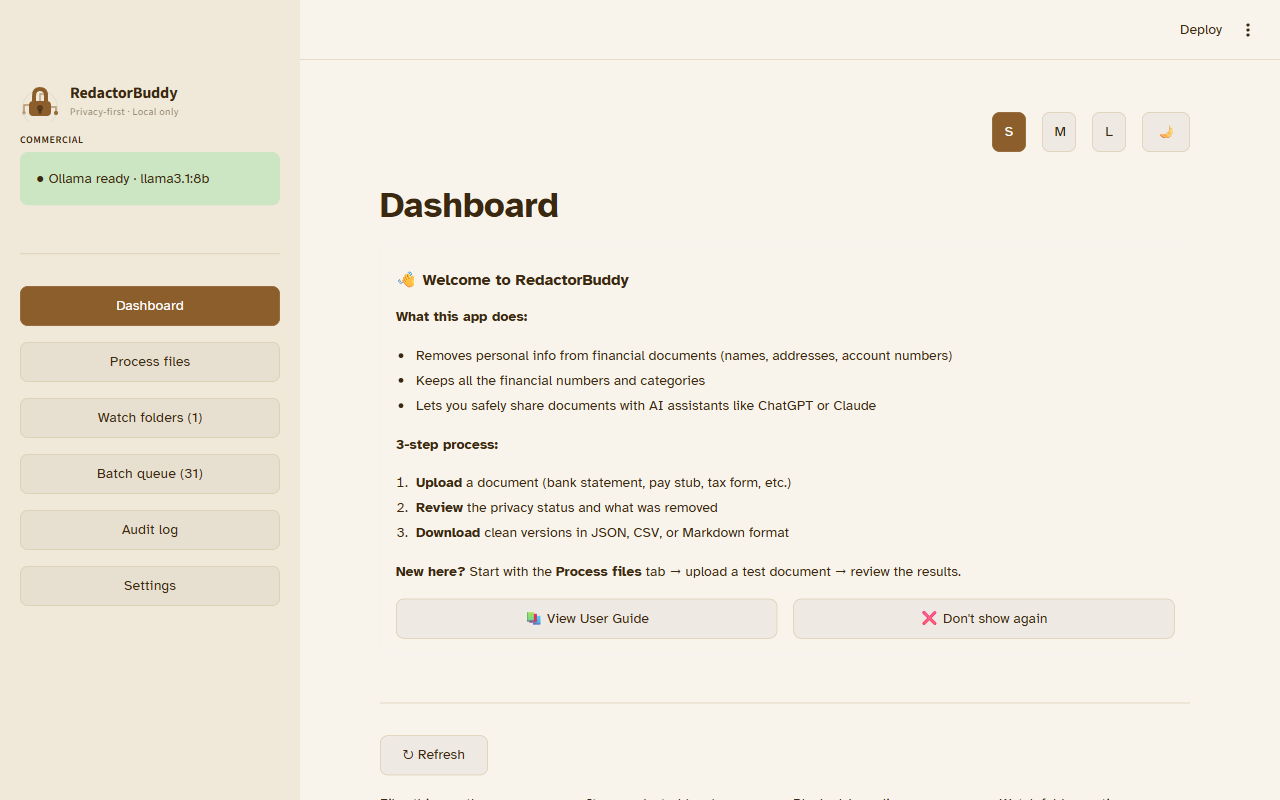
Upload a document
Drag a file onto the upload zone, or click Browse files to select one from your computer. Supported formats: .pdf .docx .xlsx .txt .csv .html
For your first test, try a sample bank statement or any document that contains a name, address, or account number.
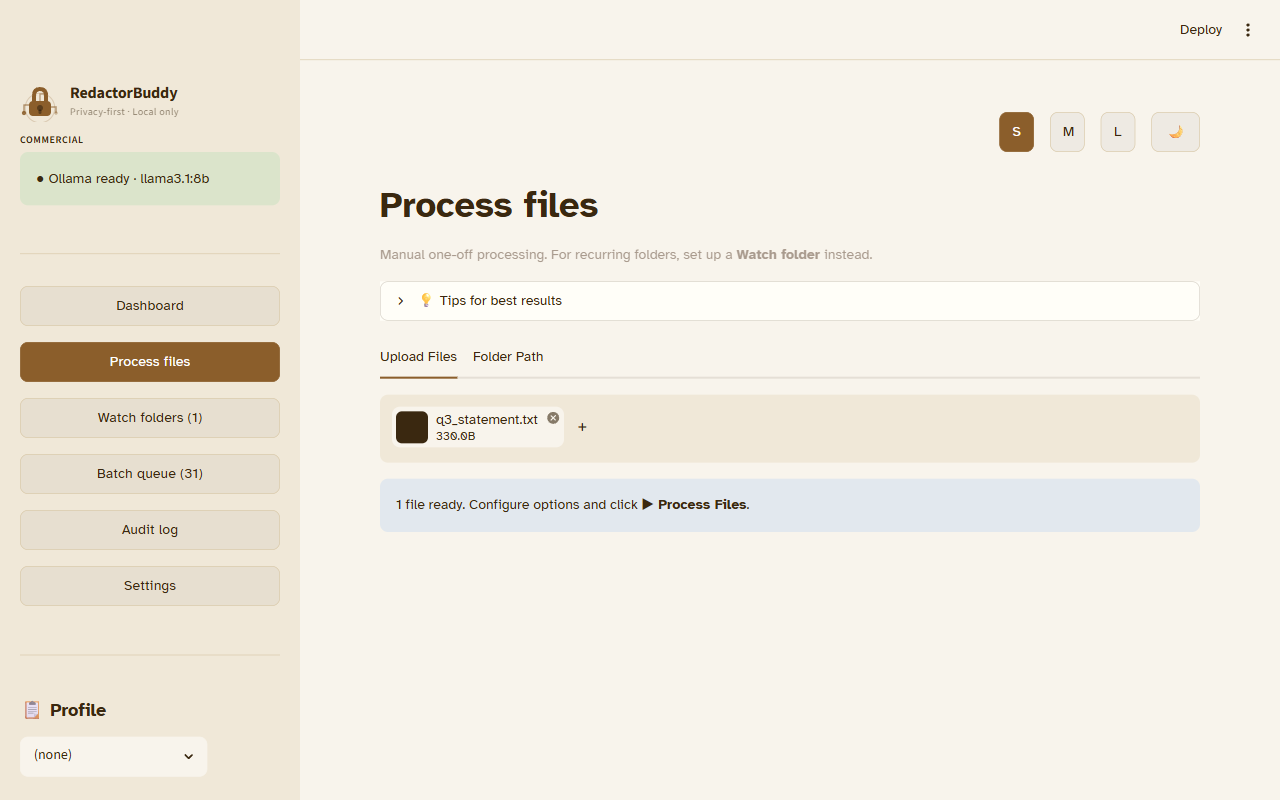
Wait for detection to complete
RedactorBuddy runs three local passes: regex patterns, Presidio NLP, and (optionally) a local Ollama model. A progress bar tracks each stage. Typical processing time for a 1–5 page document is 3–10 seconds.
You'll see entity counts update in real time as each pass completes.
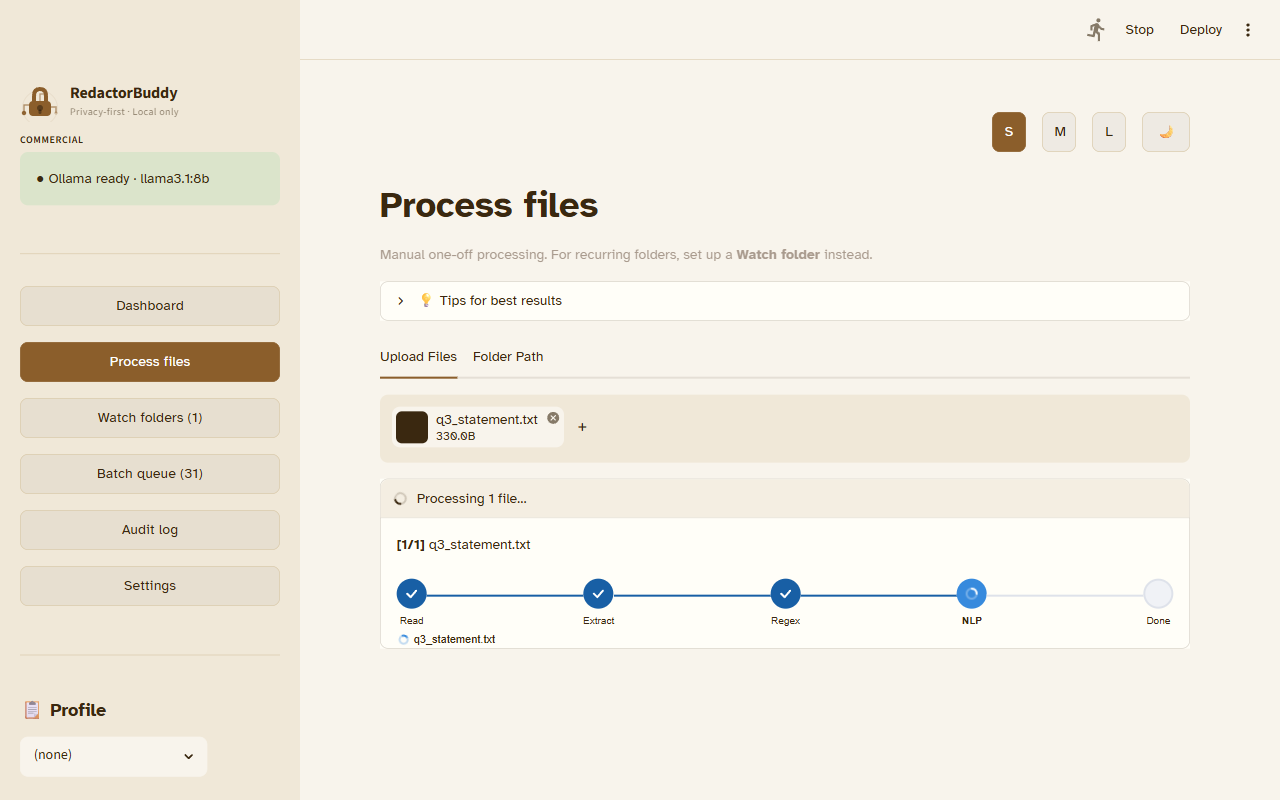
Review the findings
The preview panel shows your document with all detected entities highlighted. Each finding has a risk badge: HIGH MEDIUM LOW. High-risk items are redacted by default; lower-risk items may need your approval.
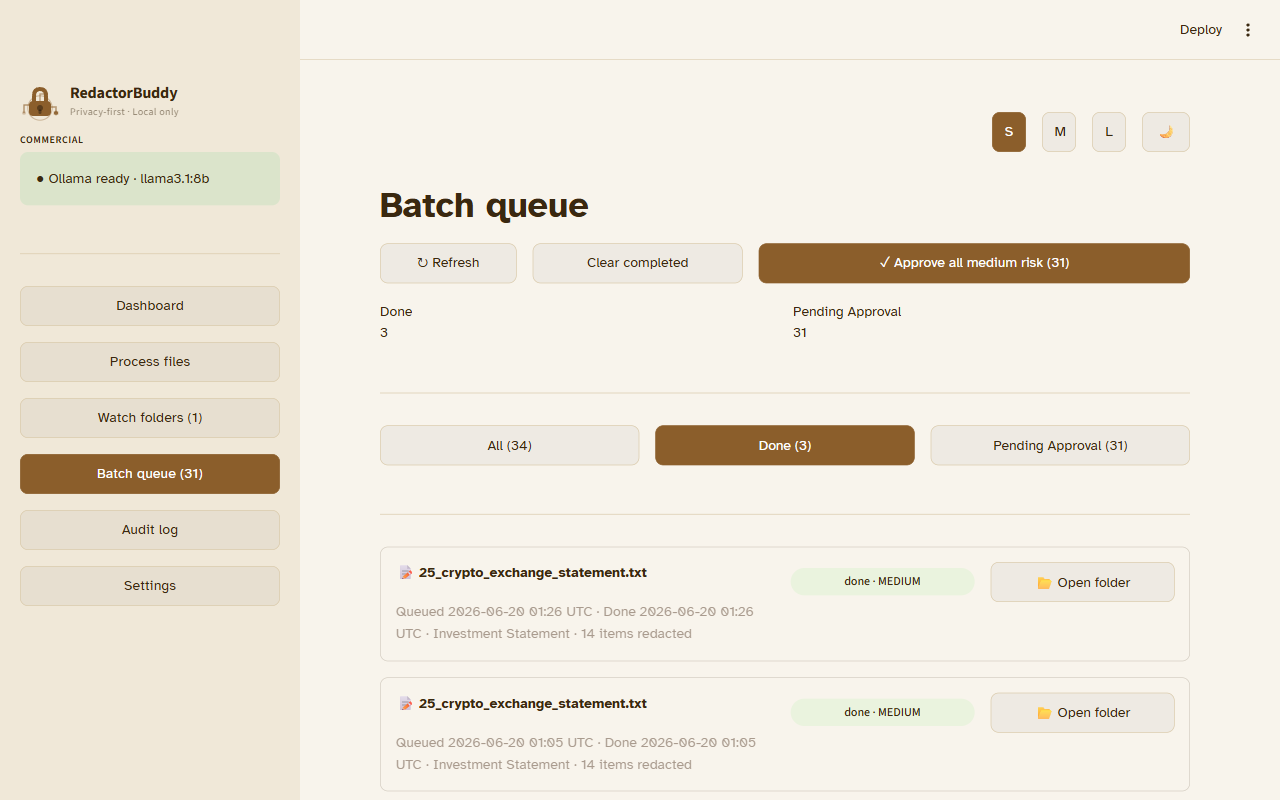
You can accept or reject individual findings, or use Approve all to confirm all detections at once. See the Reviewing Redactions guide for details.
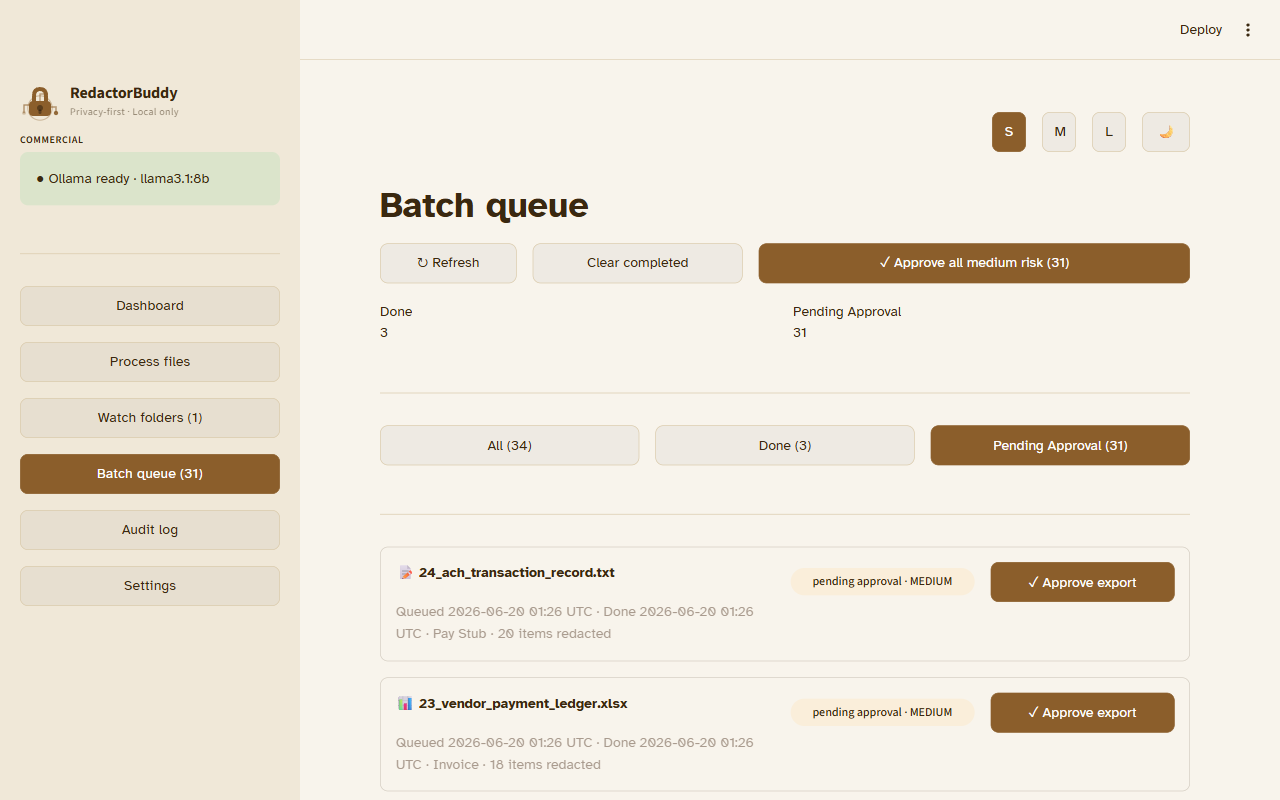
Download the redacted output
Click Download in the top toolbar. If any high-risk entities remain unreviewed, the export is blocked until you resolve them — this is the fail-closed guarantee.
The output file is saved to your Downloads folder as redacted_[original-filename].[ext]. Numbers, categories, and financial math are preserved exactly.
What happens to your files?
Nothing leaves your machine. RedactorBuddy stores processed files temporarily in a local working directory and clears them when you close the session. No telemetry, no cloud calls, no API keys required.